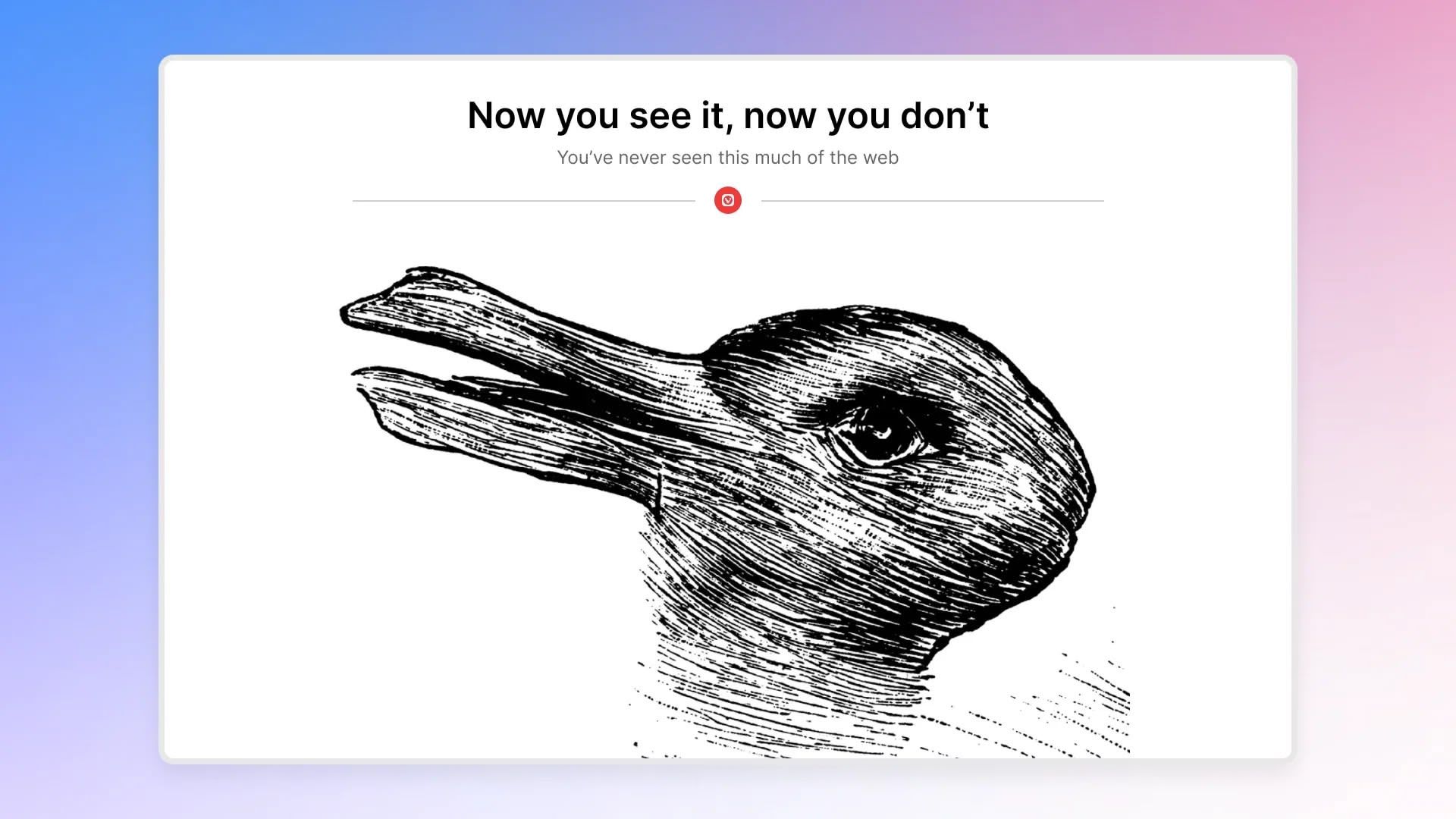
Vivaldi this week released version 7.9 of its desktop browser, which includes a new UI Auto-hide feature that clears the entire browser interface from view while you read, watch, or work. When enabled, UI Auto-hide removes the tab bar, address bar, toolbars, and status indicators from the screen entirely, and moving the cursor to any edge of the window brings everything back instantly.
I am interested what this is used for in practice.
For me, the biggest distraction is browsing itself. If I am trying to work on one of my many projects, I get distracted by cool YouTube videos or diving too deep into MCU features, or the “best” way to accomplish a task.
This seems like a similar feature as putting the browser in full screen mode, or am I missing something?


I am interested what this is used for in practice.
For me, the biggest distraction is browsing itself. If I am trying to work on one of my many projects, I get distracted by cool YouTube videos or diving too deep into MCU features, or the “best” way to accomplish a task.
This seems like a similar feature as putting the browser in full screen mode, or am I missing something?