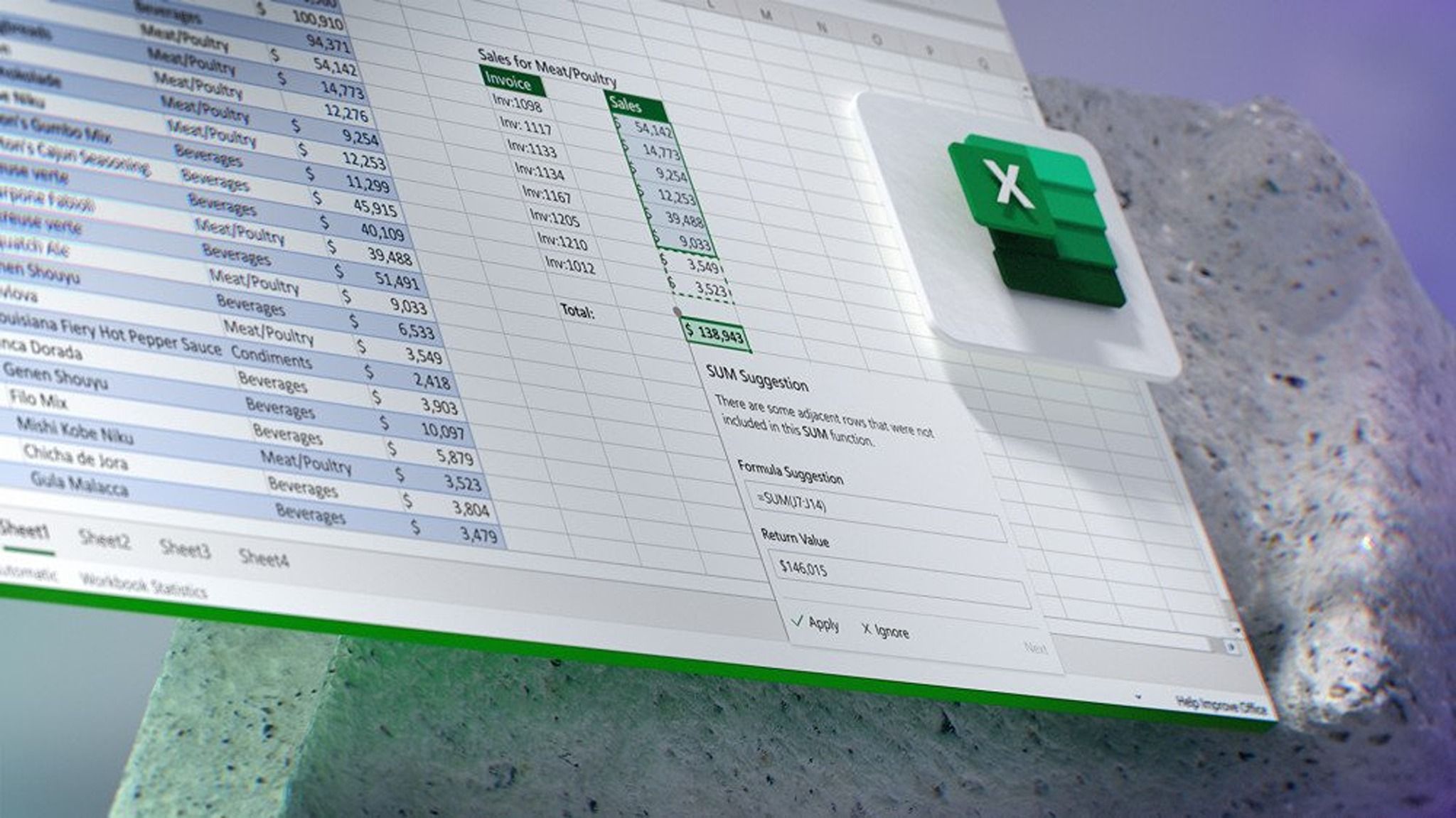
Excel users famously are cool if you make the slightest change to their program. Especially ones that give inconsistent results
Good thing nothing important is ever calculated in excel. Personally I only use it for my financial fantasy novels about CPAs in the Elven Realm.
Your sum returned a bool? A wizard did it.
I’m still angry that you can no longer see the selected row when the application window loses focus.
Gemini keeps taking up 50% of my screen in Google Sheets too. But at least you can collapse it.
I used Gemini twice in my sheets. The first it made up population numbers for me, the second it gave me excel formulas instead of Sheets formulas.
I do not want your green AI and spam, I do not want them Uncle Sam. I would not use them on my box, I would not use your shit robots.
LibreOffice with the tabbed interface. I think the tabbed interface is mature enough that it should be the default interface
I have been using it for a project recently. Having been trained on Office it’s plenty functional. I’m not exactly pleased with the headers and I have to look up how to do certain things, but overall it’s not completely alien.
Microsoft exists only to make Microsoft products worse.
It’s truly astonishing how they themselves undermine everything they do.
Astonishing, yet somehow I’m not astonished.
Some manager probably got a bonus for this. Incentives are all wrong.
Yeah, bad ideas and even worse execution sounds like Microsoft.
I haven’t used Excel since 2003. OpenOffice and then LibreOffice have served my needs just fine.
I’m 90% sure I found an option to make it go away? (Desktop app)
An option to disable Copilot exists, but you need to be the admin of your account. I think most people still using Office (365 is a dumb name) have it via a work license, in which case the option to disable Copilot must be done as a company-wide policy by whoever administrates it at that level.
The option is Options -> Copilot -> “Show Copilot Icon Only For Highly Relevant Suggestions”, it basically makes it go away.
BUT, its gone for me now! but it seems to be gone and checked as I don’t get the stupid popups. (you can google the setting to see that it did exist)
How?
The option is Options -> Copilot -> “Show Copilot Icon Only For Highly Relevant Suggestions”, it basically makes it go away.
BUT, its gone for me now! but it seems to be gone and checked as I don’t get the stupid popups. (you can google the setting to see that it did exist)
See my other reply here, but if you’re the admin for your account, open the desktop version of Excel (or Word or PowerPoint or OneNote) and navigate to File > Options > General. There’s supposedly an Enable Copilot checkbox somewhere there.
To anyone else who might find this comment later, disabling Copilot is not currently possible in any of the web versions.
Oh yeah not an admin so not an option i can see lol, it’s okay my boomer company owner who doesn’t like email would fix it if he could