


Alt link if the image isn’t loading: https://files.catbox.moe/pb85zm.JPG (this one didn’t embed)
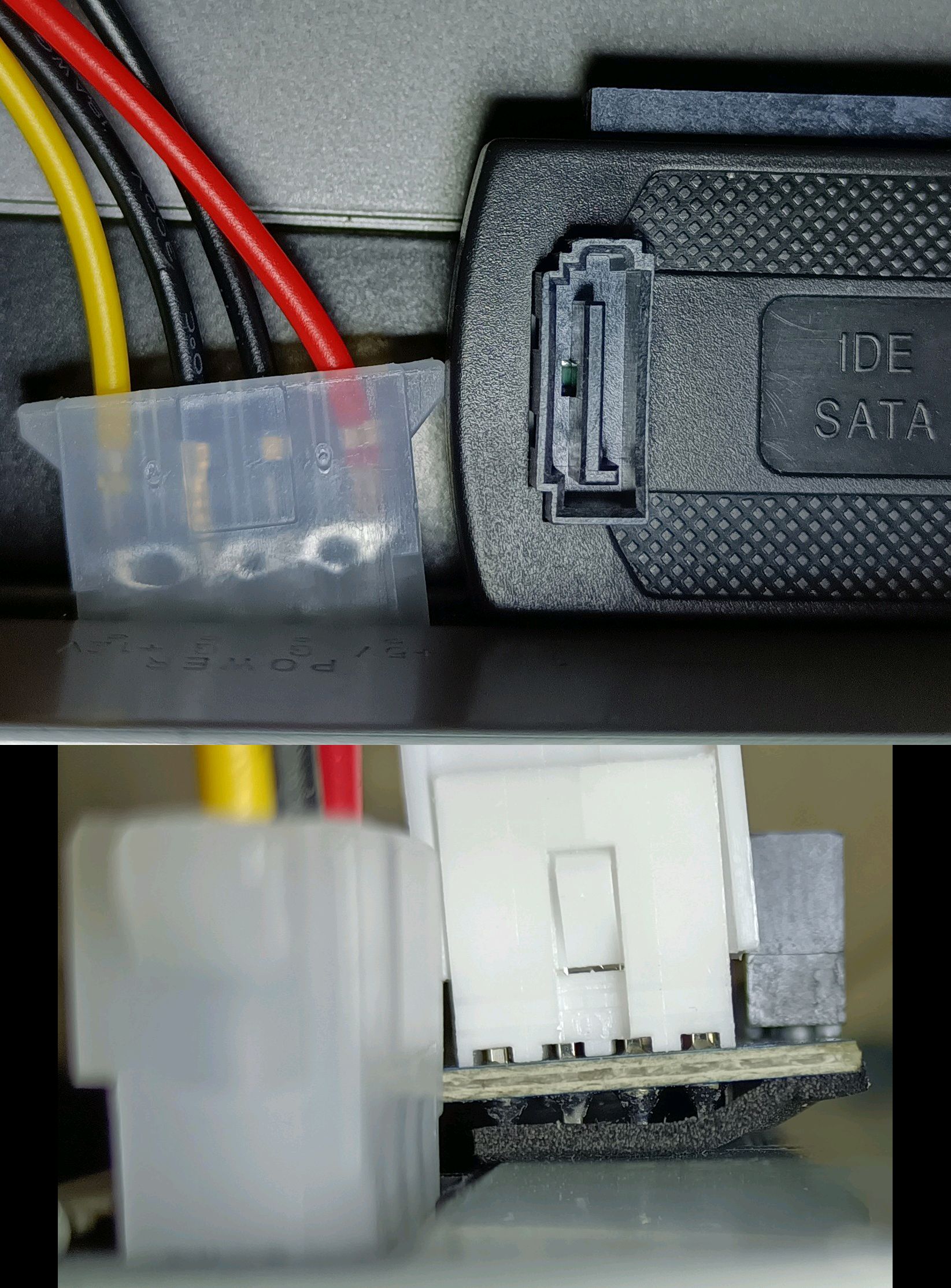
The top image is obvious.
In the bottom one, sharp leads from the 12V+5V power connector end up getting pressed against metal, only being separated by a thin piece of foam tape (so someone did recognize the issue, huh?).
I thought of ordering it together with an IDE extender, but “nah, I won’t need it.”
I’m not complaining, I just don’t think I’ve ever seen an IDE to USB adapter used to attach an…IDE CD-ROM? What’s going on here?
Yeah. I have 2, so I want to use them. The dangerous thingy is an IDE to SATA adapter. If I manage to find DVD-RW drive with front audio and a play button, I’d like to use that in an external 5.25" drive enclosure I have.
The goal: External DVD drive that can also work as a simple standalone CD player.
All I have now is 2 CD-RW drives like that.
And one of them (BENQ 4816A) doesn’t seem to work with Linux for some reason.
Sample from dmesg:
Just keeps resetting, eventually spams a lot of errors, then goes on to start resetting again.
VLC manages to use it for audio playback. Sort of. It can load CD info, play a track, and skip within the track. But when trying to play a different track, it again resets the drive, so it has to load the disc again, causing ~15 second gaps between tracks.
Both digital (on PC) and analog (on drive) audio playback worked just fine on Windows 2000 after passing the USB to VirtualBox.
I knew there had to be a reason. I was not expecting the headphone jack, thats awesome. Guess that really was the first thing to lose them before cellphones?
Did you check the cable select dip switch on the one acting up? I think sometimes these USB adapters have a preference. Otherwise you might get squirrely with some canned air, theres like 25 years worth of dust in there.
I guess it should just be set to master since it’s the only drive, but I tried all 3.
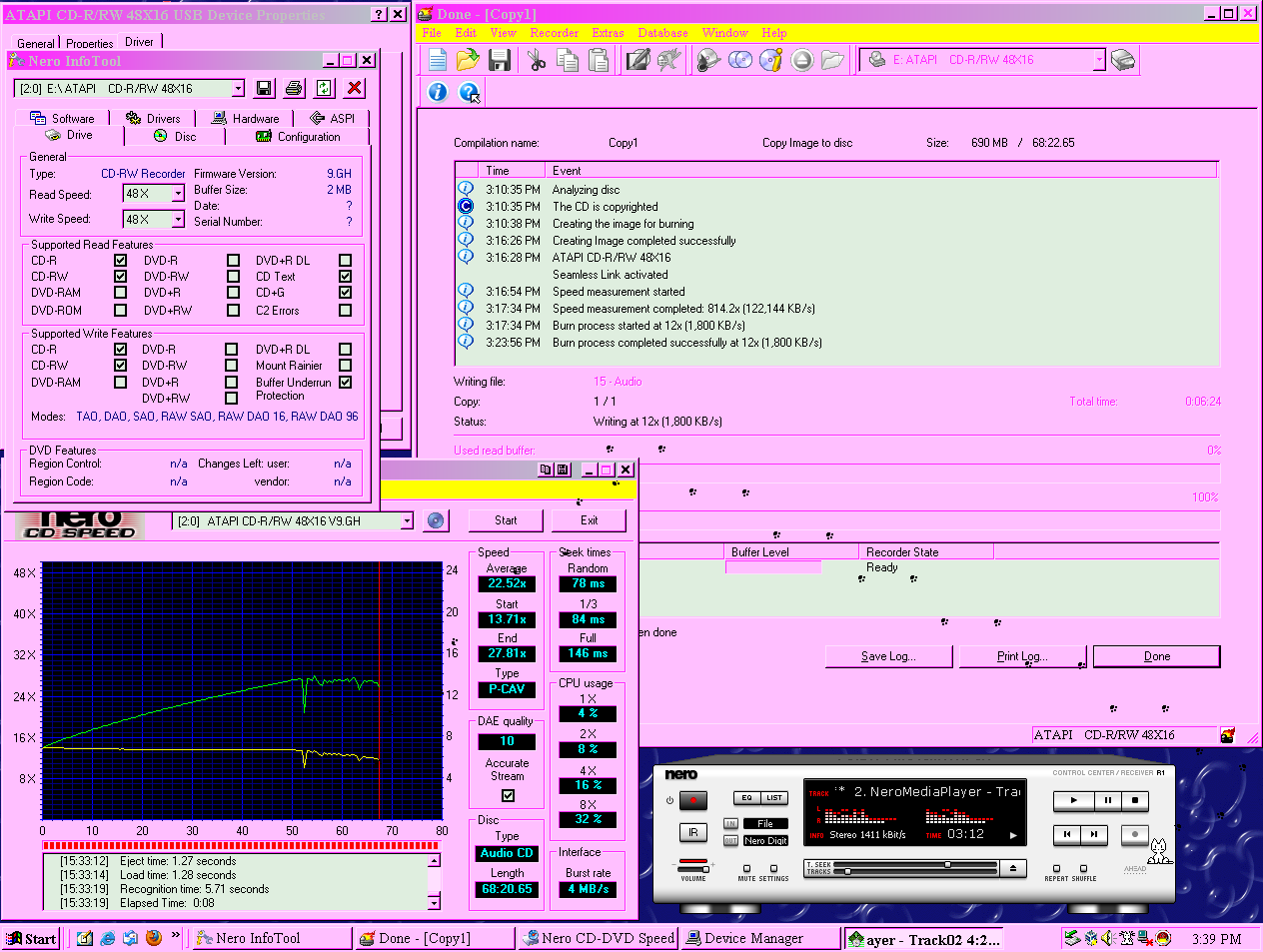
I just tried to use it to make a copy of CD, all seems fine. Maybe it can’t handle the maximum read speed, but meh, it seems to work hardware-wise.
Software-wise, Windows-only.