Having watched 480i content for so long, you better believe 720p felt HD.
These days, I mostly watch 1080p content because at the size/distance I’m watching, 4K just doesn’t “buy” any more joy. But, I remember the first time we watched some 4K videos on a new 4K TV, and the nature ones looked like a window and not a screen from across the room.
It’s still good on phone screens.
And handheld game consoles
It’s still good on PC monitors with astigmatism :')
Do I remember? I’m fucking 60, I remember everything y’all ask about and much more. I remember when my 16" 1024 X 768 monitor died and I rushed to Staples before they closed to pay $400 for a 14" monitor, which was as much as I could afford at that moment. But, how far back do you want to go? MS-DOS 2.0 on a 12" amber monitor (I didn’t like green)? I was there.
My current “big” TV is a 1920 X 1080 14-year-old 55" Toshiba dumb TV.
I got a 27" 4K monitor a few months ago, when my old monitor died. I have my second, old 1920 x 1080 monitor next to it. Yes, I can tell the difference, but only in text, not in video.
I wouldn’t mind having a 100" OLED 4K TV, but for two things. I don’t want to pay for it, but I would pay for it, except I’m afraid it would die in a couple of years, because my experience has been that new appliances are crap. So, I’ll just stick with my old TV, and be happy that it’s much better than my 27" Sharp CRT it replaced.
Now excuse me while I go look at new TVs.
720p IS HD.
And 1080p is Full HD.
1440p is Quad HD.
2160p/4K is Ultra HD.
4320p/8K is also Ultra HD, for some bonus confusion.
i still go for 720 all the time because at a certain resolution, you’re just starting to see the pimples, at not extra benefit.
Pepperidge Farms about to start needing regular colonoscopies. 👀
My still functional xbmc media server never knew that because I couldn’t afford the HD plugs.
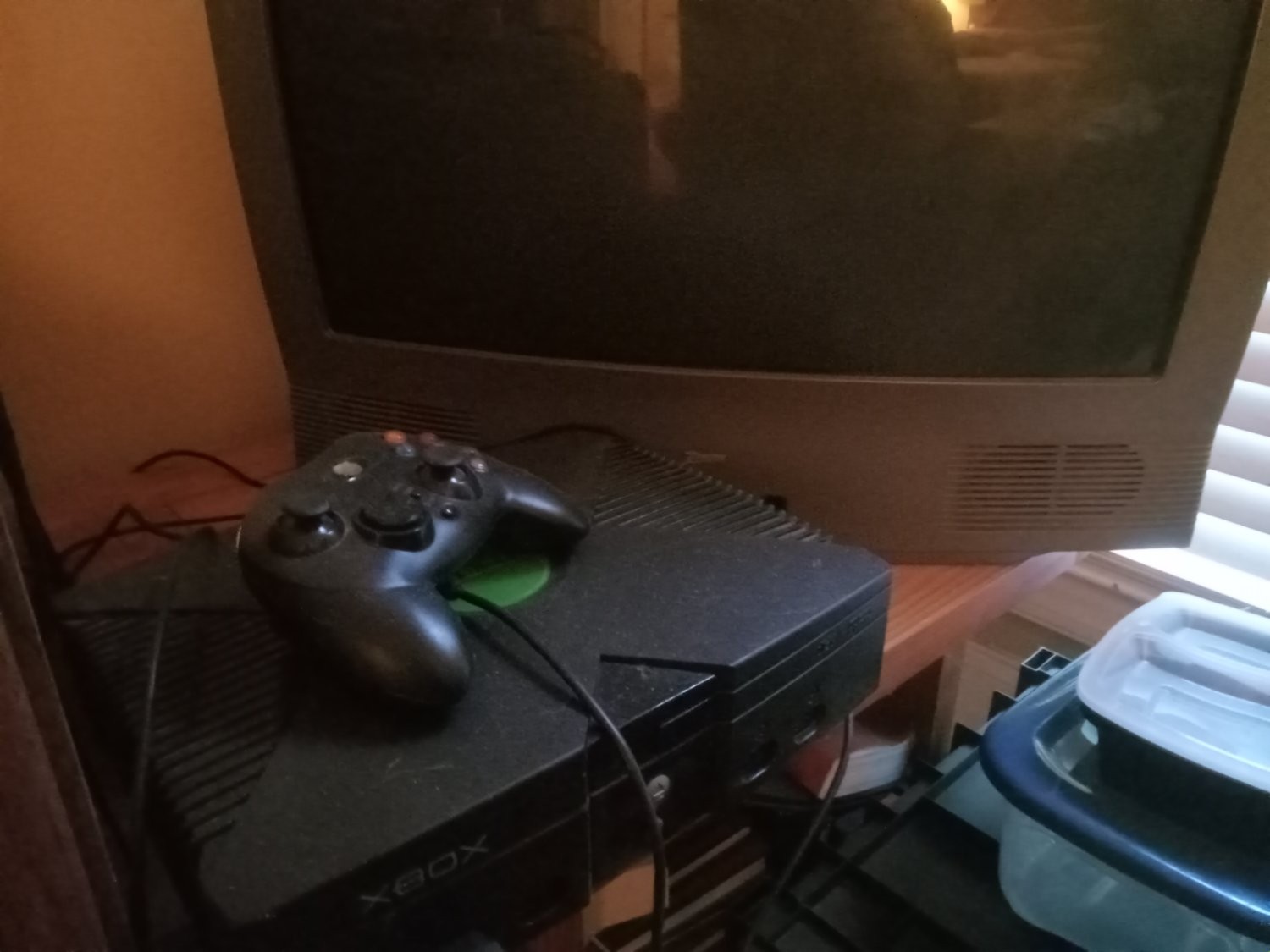
Splinter Cell also made the component cable worth it.
1280 × 720 was “HD ready”
1920 × 1080 was “Full HD”I always thought “HD ready” was a bit of a marketing scam.
I remember ”HD ready” as HDR, then years later HDR (high dynamic range) came a was very confused as to way a 1080p monitor was marked as HD Ready.
On a small enough screen it still is.
It still is.
720 = HD 1080 = Full HD
Then I think there’s UHD, before they start labelling them as shortened numbers like 8k
Wut?
NoUpdate in italics: immediately after posting my comment I see we agree, I just missed it because I had expected a separator between the two formats. I’m going to let my comment be, because it can serve as a reference for others.
1080p = 1920x1080 = “Full HD”
720p = 1280x720 = “HD Ready”, or at least according to wikipedia https://en.wikipedia.org/wiki/Display_resolution_standards “HD”4K has to subtypes 4K UHD and DCI which is both 2160 lines, but UHD is 16:9= 3840 pixels wide, and DCI is slightly wider with 4096 pixel in a 256:135 format. But both are “4K”
I think you should read your link again. It clearly says 720 is “HD”.
“HD Ready” was a marketing term that was sometimes used for things that were both 720 and close to 720.
Uhd is not 4k. Uhd is 3840x2160, 4k is 4096x2160. TV companies calling 2160P UHD is a scam.You can’t watch 4k on 2160p uhd, but you can watch 2160p on real 4k. All hollywood movies have to be rerendered or upscaled from a 2k (2048x1080) version to fit on a t v.
Wikipedia:
4K resolution is a horizontal display resolution of approximately 4,000 pixels. For digital cinematography, it is 4096 × 2160 (DCI 4K), typically with a 256:135 (1.9:1) aspect ratio; for digital television, it is 3840 × 2160 (4K UHD), typically with a 16:9 (1.78:1) aspect ratio.
I think it’s fine. 160 px here and there is less than 5% difference.
Honestly, I stopped trying to understand them after 1080.
I’ve worked on broadcast for over a decade and up until recently is been almost exclusively 1080i that I’ve dealt with.
Which studios still shoot in 2k? Or use a 2k intermediate?
720p hits that sweet spot between file size and picture clarity so that’s my default preference for torrents.
No way, not even close. At least I can’t enjoy that anymore, I’m too much of a snob now… Are you watching on your phone or Laptop? That would make sense.
However, 1080p h.265 can get you superior quality while saving space over 720p h.264.
When I had to watch on my 65" UHD, it was 4-5GB/hour 1080p h.264 files at minimum. 8-10GB UHD h.265 minimum. When I rip BDs my 1080p stuff i rip and convert to h.265 and keep them around 5-6GB/hour (which is like 8-10 h.264 so a gain), and my UHD + DV/HDR stuff I rip are also about 12-15GB/hr… but I cut out all subtitles and alternate audio and keep stereo and multi channel English to help maximize that file size (for friends/family who don’t have surround or just use TV).
Now that I’m on an 85" UHD, I kept most content the same (most shows don’t need UHD + DV or HDR) but on bigger theatrical stuff or content where I care, movies are closer to 20-22GB/hour for maximum enjoyment. It makes a very big difference when viewing lower bitrate vs higher bitrate! Way less banding, pixelation, and offers smoother playback in higher motion scenes. Plus, audio plays a huge part in immersion!
Not everyone has the space though, for that content, so I get it. But treat yourself occasionally and watch something hi res with quality audio!
I’m watching on a 2m wide projector screen, and honestly for most movies high-bitrate 720p is still acceptable. Heck, if the movie is good enough I’d even watch it in DVD quality (which is 480p). High-bitrate 1080p is nicer of course, but usually not enough to waste storage space on it. I’d much rather see 3-4 movies in 720p than 1 movie in 1080p (which is about the size difference you get).
I guess different people have different preferences, but for me movies are not about examining the pimples on character’s faces. It’s about temporarily transporting me to a different reality, starting some in-depth discussion with whoever I’m watching it with, or just making me think about some area of life. Don’t need 1080p for any of that, my brain is more than good enough at suspending disbelief with a million pixels at any one time.
Heck, some of my favorite movies have been shot on consumer-grade cameras and film. The medium doesn’t matter as much as the direction, acting, composition and cinematography in general.
What native resolution is your projector? Not at all trying to insult, but many “1080p supported” handle the signal, but still play back at 720p, and there’s a good chance you’re getting a better native resolution playback that compressed and down converted 1080, which would make sense.
Also, while I LOVED my 120" projector screen with my med-high end BenQ DLP projector, after upgrading to my 85" I just can’t go back to the screen, even if it’s dark. Idk, it just can’t compete. And I play actual BD discs on the projector to maximize quality.
I am almost certain my projector actually outputs 1080p. I can tell the difference between 1080p movies and 720p movies, I just don’t care too much.
I think I might be weird because I also notice, but don’t care about the difference between 60Hz and 90/120/240Hz for my desktop monitors or my phone screen. I just leave everything at 60Hz which allegedly saves a bit of power. Other people tell me I’m insane for doing that and that they’d never come back to a 60Hz monitor.
I don’t think you’re weird for that. I agree anything over 90 or maybe 120 isn’t perceivable. You might notice if the frames aren’t synced to the refresh rate more, but it’s the placebo effect, there’s no way petiole can truly recognize actual refresh rate. There’s a lot of other tech coming into play to help that. The technology isn’t even standardized, like BFI, or calling response time 1ms when that’s grey to grey vs a full black to white or vice versa.
To me, it’s all snake oil, like dynamic contrast vs contrast ratio. Or calling an amplifier 100w per channel using a peak rating vs RMS (Sony). Much more.
So much marketing!
I still consider it HD lol
You and most porn sites.
No one wants to see all the gory details, though - it all happens in the minds fantasy
Personally, I think 4k 60 fps porn is better. You DO get so see the gory details. The stretch marks, moles, defects humans have.
That’s what makes people beautiful, not airbrushed nonsense.
Ugh, ppl have pores and peach fuzz! Its disgusting. --gooners, probably
Cartoons, absolutely. Live action, 1080p is perfect for 4k TVs without needing 4k stream and it saves GBs.
It still is, but nobody cares anymore. At 16:9 1920x1080 is considered “Full High Definition,” and 3840x2160 (at minimum) is “Ultra High Definition,” at least in terms of their official marketing speak. The latter has mutated to include both 4K and 8K content somehow, apparently because the brainworms in the marketing department ran out of superlatives after “Ultra.”
They should’ve hired tea industry execs. If the tea industry can come up with grades like “Special Finest Tippy Golden Flowery Orange Pekoe”, they can come up with something beyond Ultra High Definition.
Maybe like this:
- High Definition (HD)
- Full High Definition (FHD)
- Ultra High Definition (UHD)
- Very Ultra High Definition (VUHD)
- Special Very Ultra High Definition (SVUHD)
- Full Special Very Ultra High Definition (FSVUHD or SVUHD1, both are acceptable)
Not that these grades would only apply to displays that don’t support picture-in-picture or split screen. Displays with those features (“broken” displays) would use the following equivalent grades instead:
- High Broken Definition (HBD)
- Full High Broken Definition (FHBD)
- Ultra High Broken Definition (UHBD)
- Golden Ultra High Broken Definition (GUHBD)
- Special Golden Ultra High Broken Definition (SGUHBD)
- Full Special Golden Ultra High Broken Definition 1 (FSGUHBD1)
QHD FTW!
What about mode 13, 320x256, 640x256 and 1024x768, my youth!!
- T = Television
- IT = Intelligent Television
- HIT = Highly Intelligent Television
- SHIT = Super Highly Intelligent Television
We could just use the radio bands, just with definition instead of frequency.
High
Very high
Ultra high
Super high
Extremely high
Tremendously highSSG3UIHD
Favourite Goku transformation, underappreciated by most.
Should’ve called 8K Iper High Definition
What’s higher than ultra? “Godlike?” “Definitionmanjaro?”
Mega
MHD sounds like a new type of hallucinogen
All about aspect ratio, at a high aspect ratio 720 looks fine on a reasonably sized TV.
Do you know what aspect ratio means?
What is an example of a low and high aspect ratio?
My first computer screen was 40col by 24 row of text, with 8x8 pixel characters. So 320 by 192, but you could not use it as canvas, just as characters. You could redefine characters, but not enough to make a real pixel display.
Ha you had it easy. My first computer had a mechanical display. It was a wooden frame with 6 rods across. On each rod was 10 beads. There were no “characters” except the people around the fire in our cave!
I remember TVs that were “HD compatible” which means they were like 520p, but could downscale an HD signal.
Yeah I had one such 47" “HD Ready” plasma that did 848x480p. The pixels were so large you could see them but 720p content still liked good on it, and DVDs looked even better than they did on an HDTV due to the similar resolution of 720x480 that they output at. They were so much sharper on a display close to their native resolution.